PRA POS integration: what businesses should prepare
A current, plain-language guide to PRA e-IMS integration preparation, based on the official PRA and PRAL POS Component manual published in January 2026.
What should you know first?
A PRA POS integration connects a registered business POS to PRA’s e-IMS so invoice data can be reported and a fiscal invoice number returned. A typical implementation includes registering each POS and branch, testing with sandbox credentials, mapping invoice and item data, configuring production access, printing the required fiscal details and monitoring synchronized and failed invoices. Applicability and production requirements can change, so confirm the business tax profile and current PRA instructions before go-live.
Key points
- Confirm whether the business and service activity must use PRA e-IMS before planning the implementation.
- Register and test each branch and POS through the official process before production.
- Map invoice totals, taxes, payments and item lines from the source POS without changing accounting meaning.
- Monitor synchronized, rejected and adjusted invoices after launch, with a clear operational owner.
What does a PRA POS integration do?
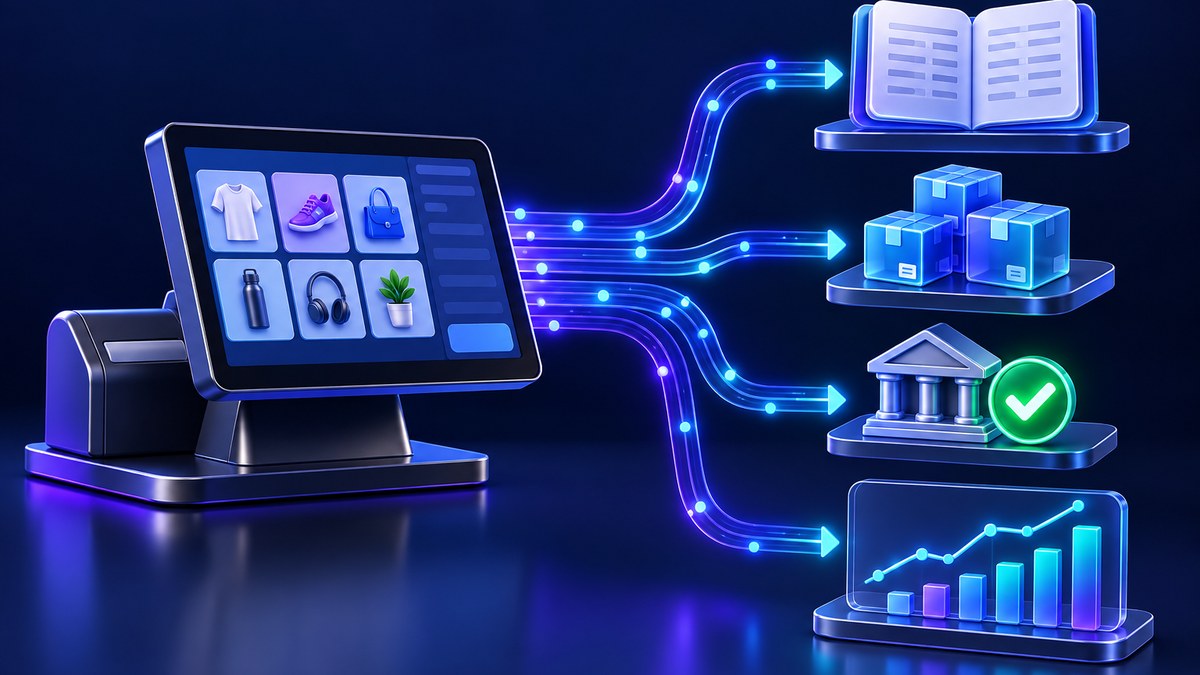
It connects the business POS or billing software to PRA’s electronic invoice management flow so sales invoices can be transmitted and fiscalized.
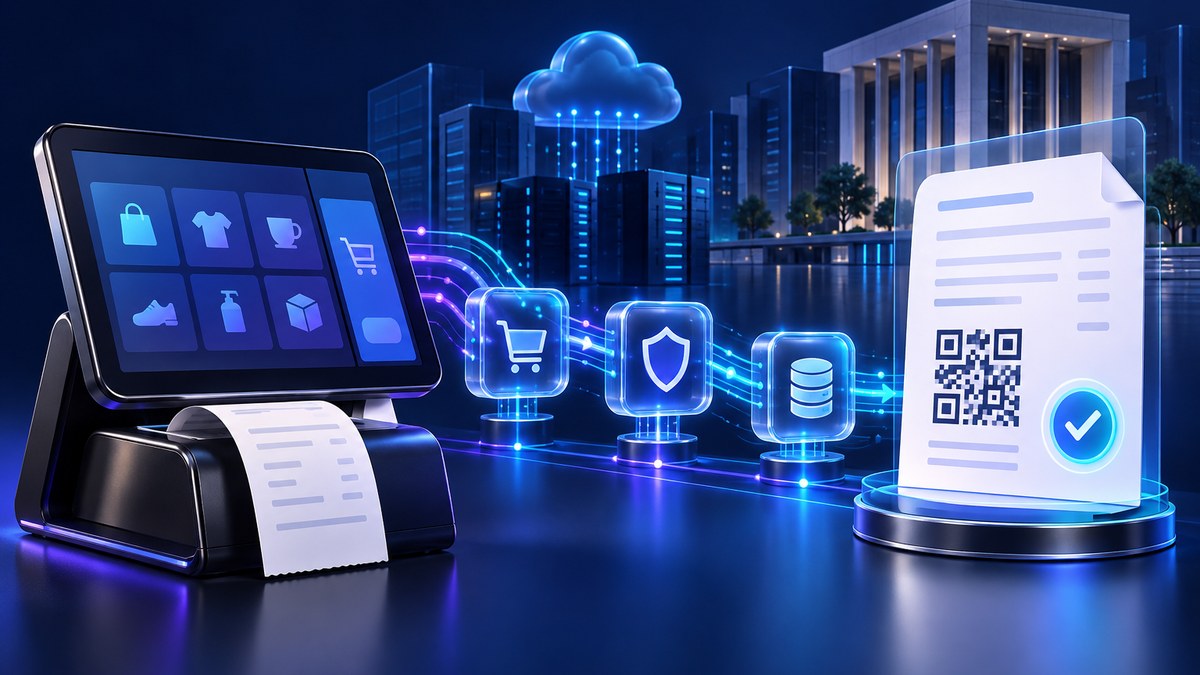
The PRA and PRAL POS Component User Manual, version 1.0 from January 2026, describes a component that connects business POS software with e-IMS for real-time sales and invoice reporting. PRA returns a unique fiscal invoice number when the invoice is accepted.
The official technical specification also describes printing the fiscal invoice number and QR code on the receipt. The integration should preserve the business invoice number as well, so staff can trace a sale between the POS, PRA response and internal records.
Which businesses need PRA POS integration?
The safe answer is businesses that PRA requires or permits to use e-IMS and that are properly registered as POS clients. Do not assume every Punjab business has the same obligation.
Coverage can depend on the registered person, taxable service, current rules and notifications. Fixed thresholds or category lists can become outdated, so this guide does not use a universal turnover figure or claim that the requirement applies only to one industry.
Before technical work starts, confirm the legal entity, registration status, branches, taxable services, tax treatment and the exact PRA production route. The official PRA e-IMS page provides current manuals, installers and invoice lookup, while the PRA IRIS portal is the official taxpayer portal.
What are the main PRA POS integration steps?
Prepare the registration and data first, test the full invoice lifecycle in the sandbox, and move to production only after the business can reconcile every result.
- Confirm scope
Verify tax registration, branches, POS devices or counters, taxable services and the current PRA instructions.
- Register POS clients
The January 2026 manual describes registering each POS used at each branch, with business, contact, branch and counter details.
- Create sandbox credentials
Generate test POS IDs and use the sandbox to validate authentication, invoice payloads and responses.
- Map the invoice
Connect POS sale, item, tax, discount, payment and total fields to the current PRA schema without losing the source invoice reference.
- Handle the response
Store the PRA fiscal invoice number and status, and print or display the required receipt information.
- Configure production
Use the official production process, including current token, environment and any required IP whitelisting.
- Monitor and reconcile
Track synchronized and not-synchronized invoices, retries, adjustments, cancellations and reporting totals.
What data should the business prepare?
Prepare clean business, branch, POS, invoice, item, tax and payment data, plus named owners for exceptions and reconciliation.
Treat the current PRA schema as the source of truth during implementation. Avoid building fixed assumptions into the POS when a maintained mapping or configuration can support future changes safely.
- Registration detailsLegal business information, PRA registration details, contacts and each branch address.
- POS inventoryEvery production POS, counter or billing instance and the branch it belongs to.
- Invoice identityA stable business invoice number, transaction date and time, and invoice type.
- AmountsSale value, tax, discounts, payments and bill totals that reconcile to the source POS.
- Item linesItem or service identifiers, descriptions or codes where required, quantity, rate, tax rate and tax amount.
- Operational ownershipPeople responsible for registration, POS support, tax review, failed invoices and end-of-day reconciliation.
How should failed or changed invoices be handled?
Never hide a failed transmission. Keep the source sale, PRA status, response and retry history visible, and follow the official process for any synchronized adjustment or cancellation.
A reliable integration separates temporary connection problems from data validation errors. Temporary failures may be retried safely, while a validation error usually needs corrected source or configuration data. Duplicate protection must prevent a retry from creating a second fiscal record.
The official manual describes synchronized and not-synchronized views and activity logs. Use those records with the POS totals and PRA reports so the business can investigate a gap by branch, date, invoice and status.
Once an invoice has synchronized, adjustments and cancellations should follow the current PRA procedure. Do not silently edit a fiscalized transaction only inside the source POS.
What should you ask a PRA integration provider?
Ask how the provider handles current PRA documents, sandbox evidence, duplicate protection, failures, receipt output, monitoring and handover.
TALSAQ provides PRA POS integration for supported POS systems, including Loyverse and custom software. TALSAQ is described as an integration provider, not as PRA-certified or PRA-approved.
- Current documentationWhich PRA manual and technical specification is the implementation using?
- End-to-end testingCan the provider demonstrate acceptance, rejection, retry, refund or adjustment and receipt output in a safe environment?
- TraceabilityCan staff find the business invoice, PRA fiscal number, payload status and error history together?
- Operational supportWho monitors failures, how are incidents reported and what happens outside normal hours?
- Change managementHow will the integration be updated when PRA changes a schema, portal step or control?
- OwnershipWill the business receive configuration, documentation, credentials guidance and a clear support route?
Which official PRA sources should you check?
Use PRA’s current portal and documents rather than copied endpoint examples or old third-party summaries.
Official links are collected in the references below. Production questions about the current technical environment should be directed through PRA’s published support routes.
- PRA and PRAL POS Component User Manual, January 2026Registration, sandbox, production configuration, synchronization and reporting workflow.
- PRA e-IMS pageCurrent downloads, guides, installer information and invoice lookup.
- PRA IRIS portalOfficial taxpayer login and support information.
- PRA technical specificationFiscalization flow, invoice data and receipt requirements.
Common questions
Does every business in Punjab need PRA POS integration?
Do not assume so. Applicability depends on the business registration, taxable services and current PRA rules or notifications. Confirm the business tax profile with PRA or a qualified tax adviser.
Can Loyverse be connected to PRA?
TALSAQ can provide PRA integration for supported POS systems, including Loyverse. The exact setup depends on the business, branches, current PRA production requirements and access available from the POS.
What happens when PRA does not accept an invoice?
The integration should keep the sale and error status visible, distinguish retryable connection failures from data errors, prevent duplicates and give staff a defined correction and reconciliation process.
Is TALSAQ a PRA-certified provider?
TALSAQ provides PRA POS integration services. This page does not claim that TALSAQ is certified, approved or endorsed by PRA.
References
Technical and regulatory details can change. These primary sources were checked when this article was published.
- PRA and PRAL POS Component and e-IMS User Manual, version 1.0, January 2026Punjab Revenue Authority and Pakistan Revenue Automation Limited
- PRA e-IMS official pagePunjab Revenue Authority
- PRA IRIS taxpayer portalPunjab Revenue Authority
- PRA Technical Specification: Software Fiscal Device, version 1.2Punjab Revenue Authority